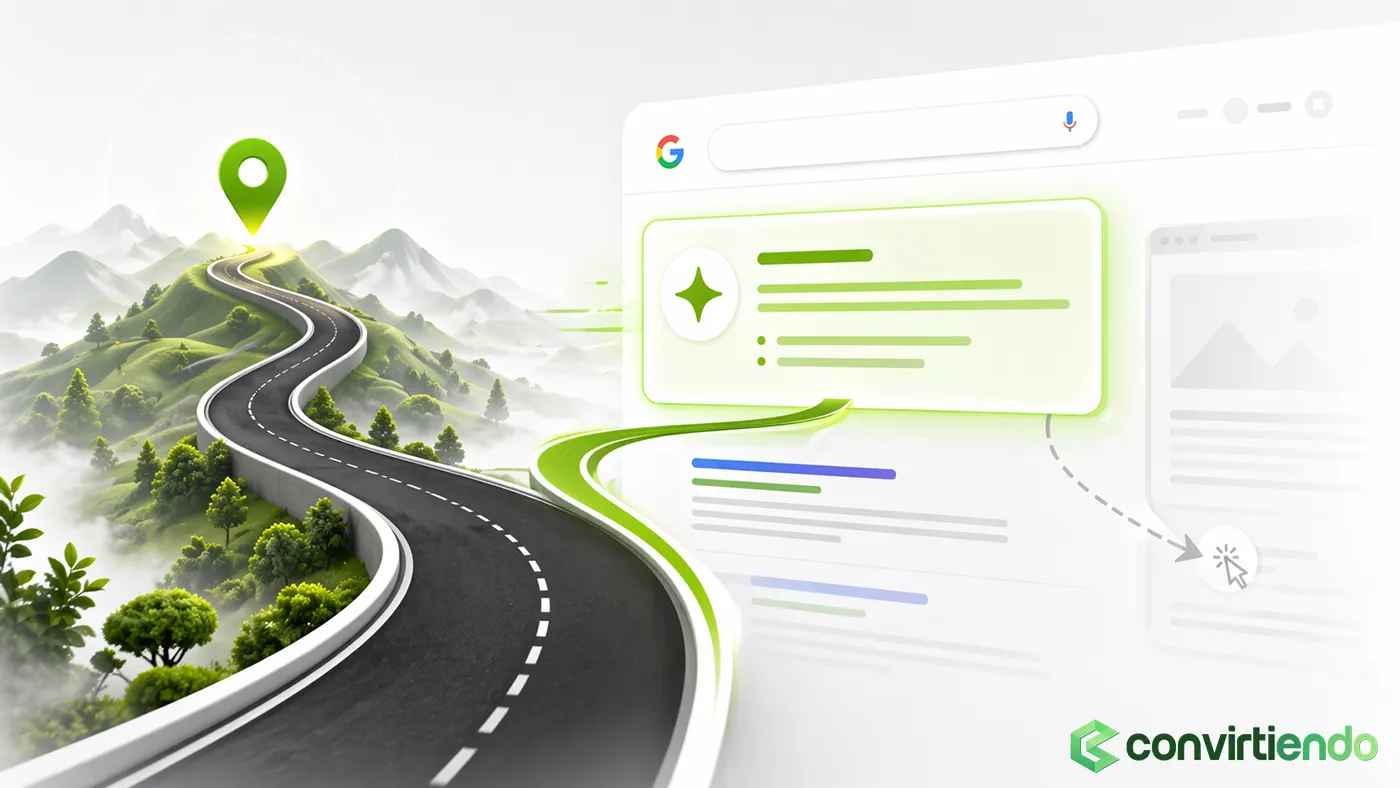

From not appearing to achieving full visibility
The most common problem: Your website is invisible
You’ve invested time and money into a professional website and high-quality content. Your service is also excellent. However, when you appear in Google search results, your link shows up as nothing more than plain, uninspiring text — making it impossible to stand out from your competitors.
The result: very few clicks (low CTR) and potential clients who never get to experience the true value of your business.
The technical solution that sells: Schema Markup
Imagine being able to give Google a “personal translator” that clearly tells it: “This page is about a consulting service, this is our starting price, and here are 25 five-star reviews from satisfied clients.”
That is, in essence, Schema Markup (or structured data). It’s a technical language inserted into your website’s code so Google can fully understand what everything represents: your company name, service price, whether it’s an article or a guide, and your reviews.
In this guide, we won’t just explain what Schema is — we’ll show you how to use it at an advanced level. We’ll cover strategies that transform a basic search result into a Rich Snippet — those eye-catching results with stars, pricing, or expandable FAQs.
And what does a Rich Snippet do? It acts like a magnet, attracting significantly more clicks than your competitors — resulting in more qualified traffic and more sales opportunities.
1. Why Schema is more than just SEO
Schema is a strategic communication tool.
1.1. Schema and Trust (E-E-A-T)
Google wants to show the most reliable and credible answers in its results.
When you implement Organization and Person Schema, you’re effectively telling Google: “I’m a real business, backed by an expert team, and this is my official online identity.”
This strengthens your Authority and Trustworthiness (part of Google’s E-E-A-T framework). It helps position your company as a leading expert in your niche.
1.2. The best format: JSON-LD
There are several ways to implement Schema, but developers — and Google — prefer JSON-LD.
Think of JSON-LD as a neatly structured block of text, written in a language machines understand, discreetly placed within your page’s code. It’s clean, doesn’t slow your site down, and is easy to maintain.
1.3. The connection with sales
A rich search result impacts two critical parts of your sales process:
- Reduces Friction: By displaying star ratings or answering key questions (e.g. “How much does web design cost?”) directly in Google, you eliminate initial doubts.
- Builds Trust: Seeing ratings or a well-defined brand presence creates a professional, credible impression before the user even visits your website.
2. Basic implementation for professional services
Here are the Schema types every service-based business should implement correctly:
2.1. The Core Schema: “Who We Are”
This is your digital identity.
- Organization: Defines your brand, logo, legal name and, crucially, your social media profiles (sameAs). It tells Google all these elements belong to a single entity.
- LocalBusiness: If you serve clients from a physical location, this is essential. It defines your address, opening hours and contact number.
2.2. Schema for the services you offer
Instead of letting Google guess, you clearly and precisely tell it what your service pages are about.
- Service: This is the key Schema for consulting, web design, marketing, etc. It allows you to define the type of service, coverage area and a detailed description.
- Review Nesting: The real power lies in nesting Review or AggregateRating Schema within the Service Schema. This is what enables those five-star ratings to appear next to your service in Google results.
2.3. A major content pillar: The blog
Article and HowTo: When you publish a guide, label it as an Article. If it’s a step-by-step tutorial, label it as HowTo. This helps Google use your content in summaries or guided steps, increasing visibility.
3. Advanced Schema strategies for conversion
This is where amateurs and experts diverge — using Schema not just to inform, but to persuade.
3.1. Smart nesting to build trust
Nesting simply means connecting one type of Schema within another.
Credibility connection: The most powerful strategy is linking your main Service Schema with FAQPage and Review Schema. This not only generates star ratings but also allows your most common service-related questions to appear directly in Google.
If a customer’s question is answered before they even click, they arrive far more convinced.
3.2. Schema and pricing strategy
Many businesses hesitate to display pricing, but Schema gives you control over how to present it. That said, if your pricing varies significantly or your services are highly customised, that becomes a separate discussion.
Using the “offers” property: Within Service Schema, you can define offers. Instead of a fixed price, you can show a range (£1,000 – £5,000) or a starting price (“From £1,500”).
The benefit: It pre-qualifies your audience. Only users willing to invest within your price range will click — reducing low-quality enquiries.
3.3. Mapping search intent
Your website structure is designed for users — Schema should mirror that logic for Google.
Full consistency: If your main page is about “SEO Consulting”, the Service Schema on that page must reflect exactly that. A clear, well-mapped technical structure strengthens your website’s overall credibility.
4. Practical guide and tools: The Checklist
It’s not just about implementing code — it’s about making sure it works.
4.1. Critical validation tools
- Google’s Ultimate Test: Use Google’s Rich Results Test. If it validates your code, you’re ready.
- Ongoing monitoring: Check the Enhancements report in Google Search Console. If Google detects any issues with your Schema, it will notify you there so you can fix them immediately.
4.2. Common mistakes to avoid
- Hidden content (Schema spam): Never use Schema to describe content that isn’t visible to users. Google will penalise it.
- Incorrect nesting: Ensure your Schema code isn’t broken or poorly connected within service pages.
Advanced Schema Markup is the technical layer that transforms your website from a simple digital brochure into a persuasive sales argument directly within Google search results. Implementing it correctly is crucial to winning the CTR battle and attracting pre-qualified clients ready to engage.
If your website still appears in Google as plain text, you are handing clients and credibility to your competitors.
The ideal scenario is not to invest another pound in advertising until your website has the technical authority it deserves. That’s why, when someone tells you that only paid ads matter and that nothing needs to be done within your website, you simply cannot trust that advice.
Do you want to know which Rich Snippets your competitors are ignoring and how to implement them today? Request a Schema Markup and Rich Snippets technical audit right now.